Digital identity: iOS, what about privacy?
· Michel Aguilera

Apple prides itself on protecting our data when we use its mobile devices (iPhone, iPad or Macs). With solutions such as TouchID or FaceID, access to our apple-branded devices is supposed to be protected by internal hardware components (Secure Enclave). But what if we wanted to store our credentials elsewhere? A quick overview of the possible solutions.
Armour-plating our access!
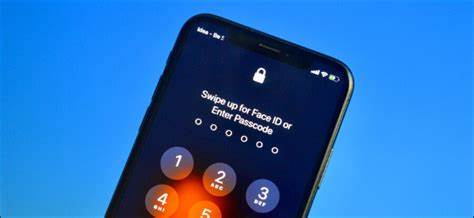
Although Apple includes a concept of identity management, with a level of security that has already been proven, we can see a trend towards managing one’s identities outside the devices. As we saw in a previous article, when we talk about IAM authorisation, it is a matter of the end user proving their identity on the network.
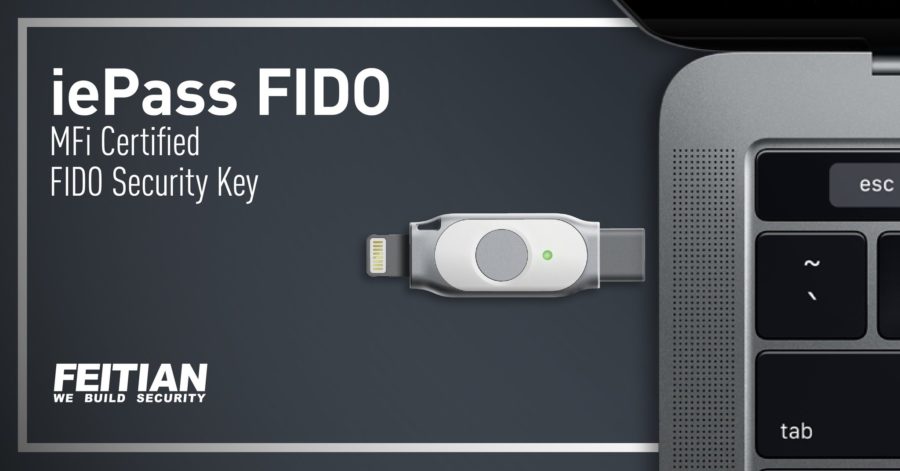
The traditional method consists of combining a username and a password. The other (authentication) method consists of combining something memorised with a physical medium (security keys or other). This could be a badge, a mobile phone, a token, fingerprints, etc. The latter are very often considered forms of strong authentication or 2-factor authentication methods.
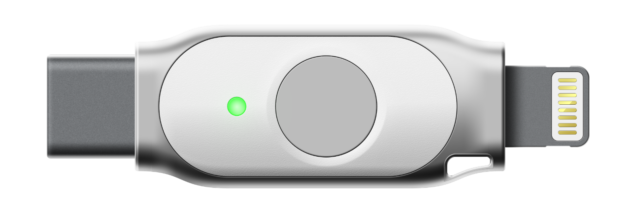
It is in this context that FEITIAN, which we have already mentioned, has created a key dedicated to iOS devices: the iePASS. Based on FIDO, this key has the particularity of having 2 connectors (Lightning and USB-C), which allows it to work with iPhones as well as with iPad Pros, and also with Macs.
Short test video on iPhone and iPad:
As you can see, it is very easy to use. As with the previous tests, it is important to have the security key registered in the identity validation solutions (e.g. Microsoft, Google or Facebook).
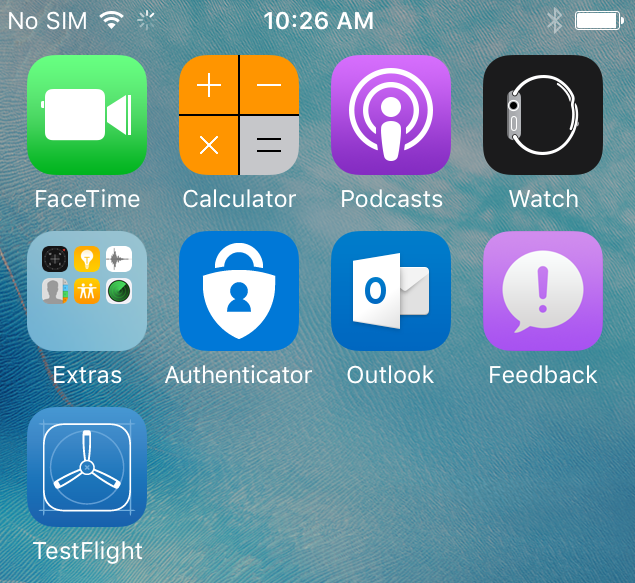
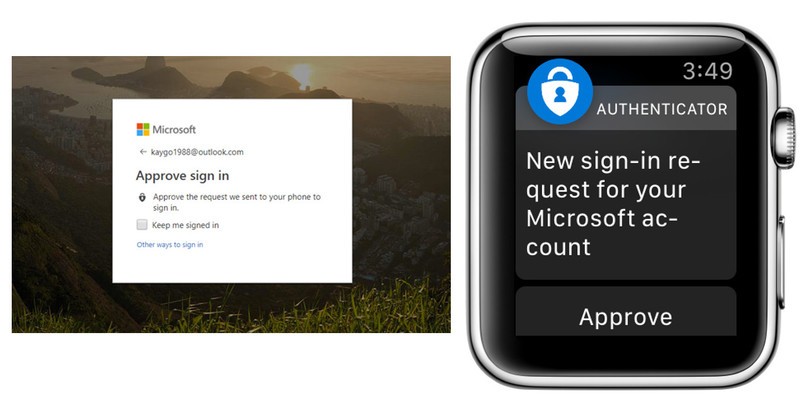
In the case of Microsoft and its environment, an App (Authenticator) is recommended, with the option of giving approval from an Apple Watch. This is the Redmond company’s 2-factor validation approach, but the identification data is stored in the Cloud and therefore no local retention is provided (unlike the FEITIAN key).
Google also has a solution available on iOS: Google Authenticator. It is an application that generates verification codes. These codes must be entered once you have set up two-step verification on a service (Google, social networks, Discord, etc). The code is mandatory to authorise sign-in on a device. So, if a hacker manages to obtain your username and your password, they won’t be able to go any further. Indeed, they won’t have the verification code needed to sign in to your account.
The most interesting part of using security keys is that they can be used in several scenarios. Short intro video from FEITIAN:
And my own video, on integrating a FEITIAN NFC security card with my MyFOX system:
In short, it really is armour-plated!
As you will have gathered, even if identity management solutions are available on smartphones (with a local copy or in the cloud), it is sometimes useful to have alternatives for managing your digital identity. The advantage of a security key is that it can be used in various contexts but, above all, with any NFC/FIDO-compatible solution on the market.