Virtual reality: discovering what’s new
· Michel Aguilera
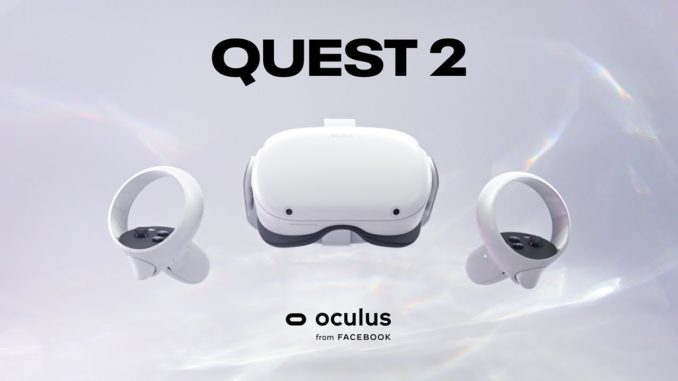
We covered virtual reality and the different types of headsets in this previous article. Today, we are going to look at the developments that have been made since then, and more specifically at the headset offered by Facebook, the Oculus Quest 2. Unboxing and first impressions.
Projecting ourselves…into the virtual!
There have been various iterations of headsets in the field of projecting a virtual environment. Microsoft has released a 2nd iteration of its headset, the HoloLens 2:
This headset blends virtual reality with projection into your view of the real world. This opens up completely new possibilities for interaction. This is called augmented reality. The big advantage is that it does not need to be permanently connected to a computer to work. It is therefore standalone and lets you work wirelessly.
The notion of interacting with a part of the body is an important element in the use of augmented reality. In virtual reality, connected gloves can be used, but this requires a certain amount of interfacing, which can sometimes prove complicated either with the various programs or with the system running the virtual reality.
Here is another use case of augmented reality by Microsoft, through the HoloLens 2 and business software:
As part of the democratisation of virtual reality, several manufacturers have tried to respond to this new market segment. The biggest difficulty, given relatively high prices, is offering a software catalogue that can appeal to the general public.
Whether for gaming or for discovery, virtual reality opens up an incredible range of possibilities. One of the important elements is enabling a certain interaction between the user and the virtual environment (being able to touch objects or manipulate elements in space).
Facebook, with the Oculus Quest 2, has solved this problem by using interactive controllers that are very intuitive and comprehensive:
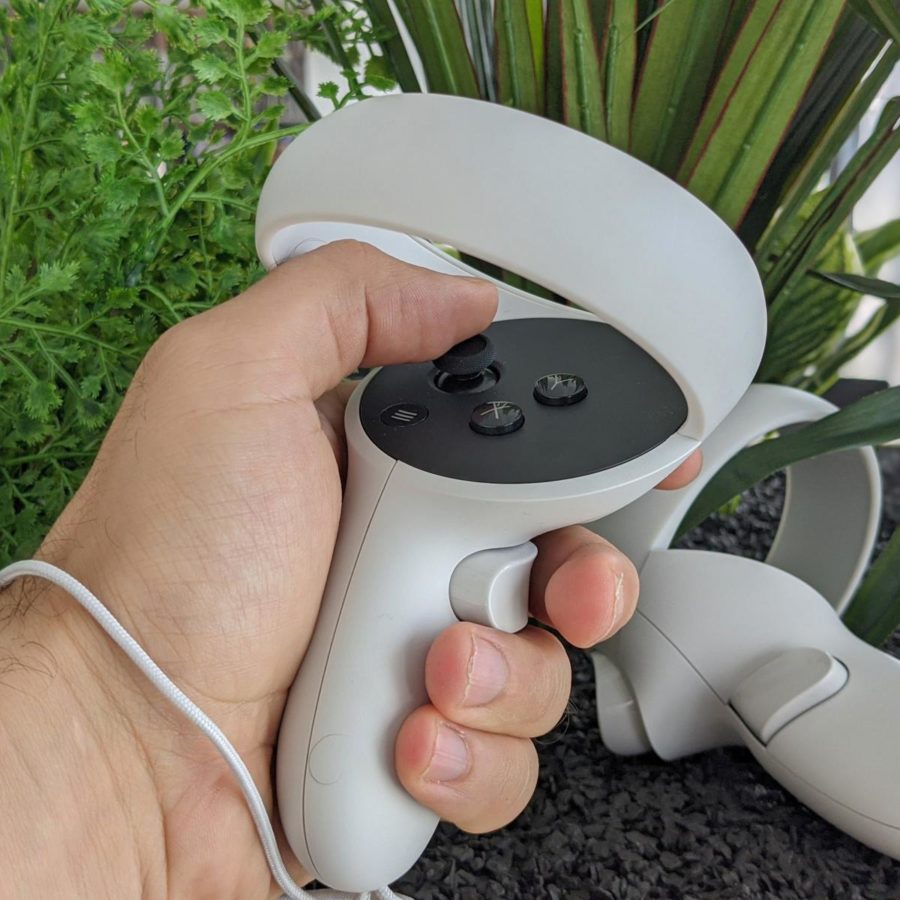
Fitted with straps so you don’t lose them during use, the controllers are reminiscent of a video game joystick, with interactions between the left and right hand. Here is a short video from the launch of the Oculus Quest 2:
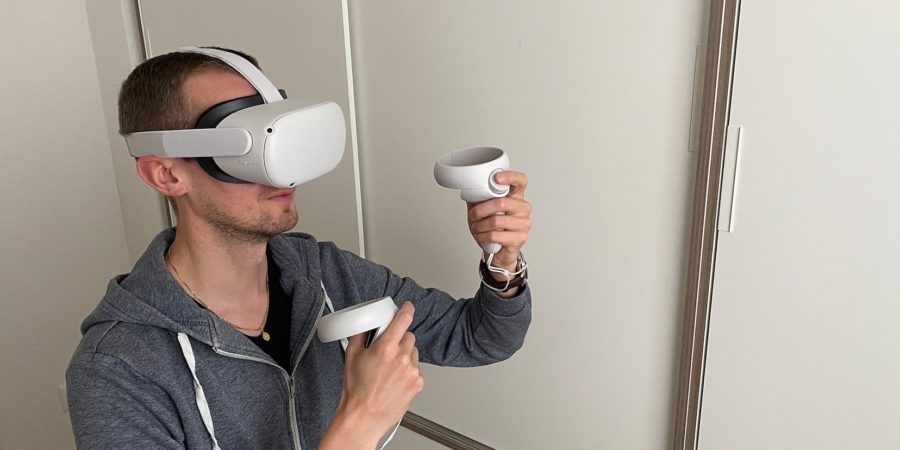
The most attractive point of the Oculus Quest 2 is its price, which is very appealing for getting started in VR (2 internal storage capacities, 64 GB or 256GB). The internal storage is dedicated to installing applications. With a fairly well-stocked App catalogue, you can quite quickly get hooked:
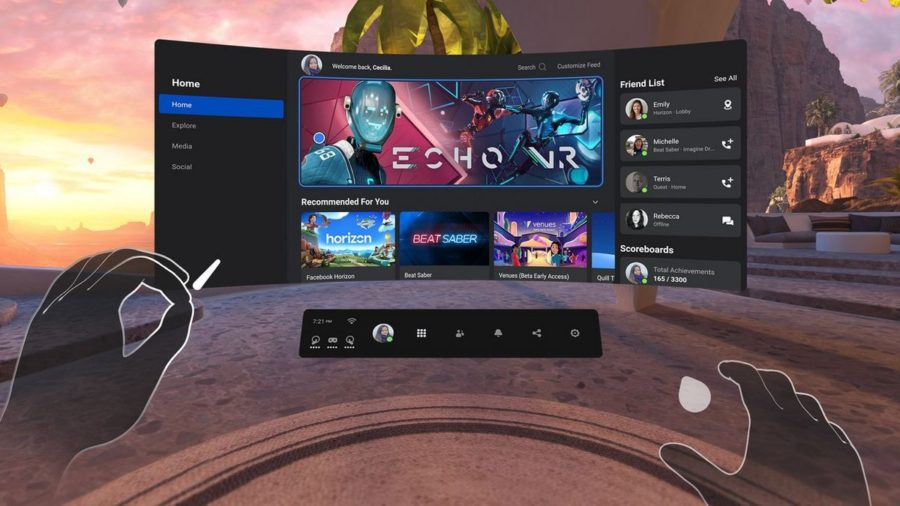
But the most important point is that the Oculus Quest 2 is a standalone VR headset. This means that you don’t need a computer or a Smartphone to use it (only for its initial activation). Ideally, you need a Facebook account, or you can create an account on the Oculus website. Here is the official unboxing video by Oculus:
After that, a (good) internet connection is required (HD or higher-resolution content is available). One of the main advantages is the games..but that’s not all!
One of the possibilities is being able to use the Quest 2.. with a computer! Whether via the Oculus Link cable, or with software that lets you connect to a computer over WIFI. A solution such as Virtual Desktop, in VR.
The existing accessories for the Oculus are fairly expensive, but some are really practical. Take the Dazed charging station, for example. Presentation video:
In short..can we picture ourselves in it?
One thing I have noticed is that the community around the Oculus is mainly English-speaking (as far as games are concerned) and that if you have vision problems (Motion Sickness), using VR headsets is not recommended. But apart from that, this device is very addictive and, for a very aggressive price (less than 500.-), you can get started in the world of virtual reality.