MicrosoftCloud & Microsoft 365
Microsoft Teams: the all-in-one that does it all
· Michel Aguilera
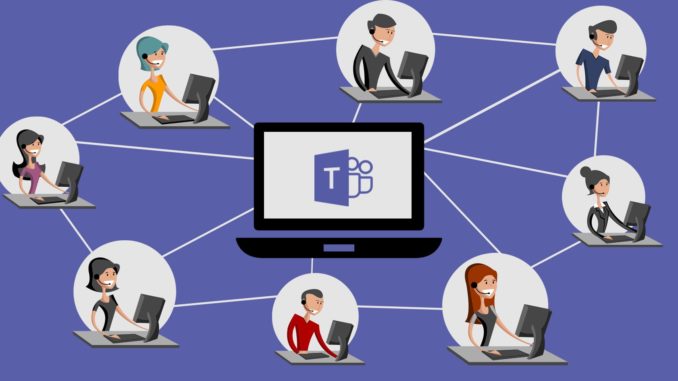
Over previous articles, we have been able to cover the topic of collaborative tools, whose purpose is to make exchange, communication and productivity activities easier for us within organisations of all kinds. These articles provided a general overview of the existing possibilities and features, particularly within the Microsoft 365 products. Today, we are going to take a closer look at Microsoft Teams, which in recent years has turned the very idea of an integrated collaborative tool on its head. A review of what this extraordinary product can do.
Let’s talk..as a team!
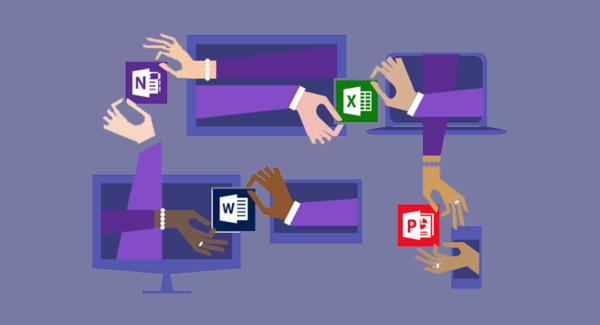
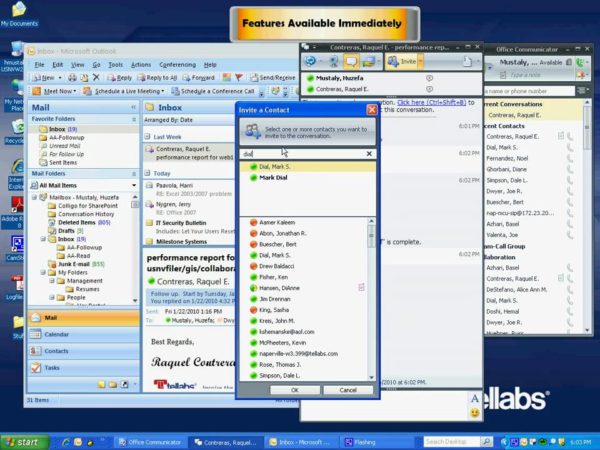
It is important to look back at the various transformations Microsoft has gone through over the years in its desire and need to have interfaces for communication and collaborative management. For those who remember, back in the days of Office 2007, Microsoft launched its Communicator, a chat system integrated with Office (it required deploying a Communicator Server, tied to an Exchange environment). Voice features only worked between environments of the same domain. This solution was itself the evolution of an older product, known as NetMeeting. We had to wait for Office Live Meeting to get a solution offering an environment that included, within a single interface (and comprehensively), audio over VoIP and video, as well as fully secured document sharing.
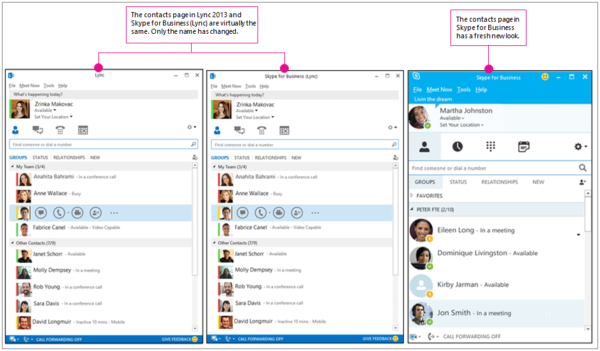
The following iterations, such as Lync and Skype For Business, allowed Microsoft to develop its offering, also making it possible to create complete telephony management systems (notably with the ability to manage SIP Trunks). This approach requires dedicated servers within your IT infrastructure. Skype For Business, being integrated into the Office 365 offering, made it possible to start moving telephony and collaboration needs to the cloud.
To understand what a SIP Trunk is and how it differs from analogue telephony, here is a video:
Microsoft Teams was born in 2017. At the time, the main competitor in the collaboration field was Slack. The goal was to deliver a complete user experience, entirely SaaS-based and easy to deploy within companies. Here is the interface of its competitor Slack:
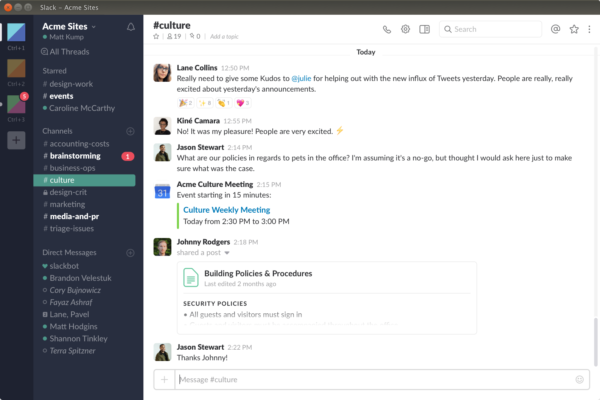
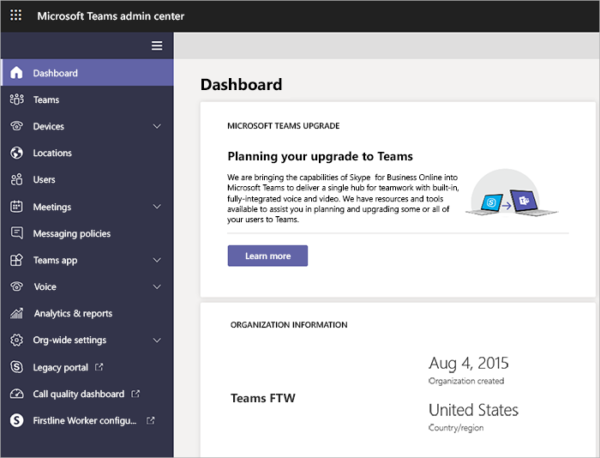
Slack has no telephony feature. The need to better organise collaboration within the Office 365 suite was being felt, as Skype For Business was more of a video conferencing and telephony tool. Although document sharing and screen sharing are available features, some expectations of consolidation with Microsoft’s other solutions remained unmet, and that is where Teams meets these needs. Teams administration and resource management is done through Microsoft’s cloud, in Office 365:
Here is a condensed Microsoft Teams training course for beginners:
Now that we have seen the essentials of Teams’ features and interface, we are going to talk about the integrations Teams can offer. One of them is the use of telephony in Teams. For this feature, not all countries where Teams can be used are equal. In the case of Switzerland, we will absolutely have to go through one of the operators that offer service integration with Microsoft 365.
Here is a presentation video (in English) on telephony within Microsoft Teams:
The procedure requires skills in PowerShell and in domain name management within the Microsoft 365 admin console. To use the telephony features, you need at least:
- Microsoft 365 licences (Business Premium, E3 or E5)
- the Phone System option
- the Audio Conferencing option
These prerequisites may vary depending on needs, to be analysed case by case. We are going to look at a telephony integration with the operator PeopleFone. To do this, you need to take out a contract with, as a minimum prerequisite, 1 SIP Trunk channel and one number (which we will assign to a user). Of course, other, more complex variants are possible, but they will require more configuration in the Microsoft Teams console. To illustrate this better, here is a video
For PeopleFone customers, there is a written procedure, which you will find here. For those who would like to go further and give it a try, I am available to help you with this integration.
One essential point must not be forgotten: when you change settings in your tenant, it may take up to 72h before they are correctly applied!
If you would like to find out more and see more videos, here is the Microsoft Teams YouTube channel.
In short…can we collaborate?
Microsoft Teams represents a major step forward in Office 365-related activities. The possibilities of integrating third-party components or inviting external collaborators into your environment are just some of the features that allow Microsoft Teams to claim a prime spot among collaborative tools in companies, but also for organisations of all sizes. It should also be pointed out that Teams is also available for free (with some limited modules), which makes it very easy to get a working environment started with a small structure. It is also important to point out that the Microsoft Teams client is available on all OSes (Windows, Mac, Linux, Android and iOS).
I would like to thank the whole PeopleFone support and sales team for their help in setting up my own integration on my tenant :)
A few useful links:
Training for admins
Training for end users