IT & AIRemote work & collaboration
Video conferencing, or which products to use
· Michel Aguilera

In these turbulent times of lockdown due to the Coronavirus, we are looking for ways to easily organise online meetings with our colleagues and to collaborate smoothly, while ensuring business continuity. It is time to take a closer look at the options available and the prerequisites for setting up a video conferencing solution for your connected meetings. A review of the current free and commercial solutions.
Let’s talk… online!

For several years now, video conferencing solutions have been legion. The principle is simple: you use a computer or tablet equipped with a camera to talk and interact with one or more people in the same connected space. You can see each other, hear each other and use telephone gateways (for those who don’t have a camera or computer available). “Kit”-type video conferencing devices abound on online shopping sites. We opted for quality solutions, such as Logitech cameras. 2 models in particular, at affordable prices, caught our attention. The first kit is the BCC950. Easy to handle and multi-OS (Windows or Mac), it is suitable for teams of 1 to 4 people. You simply plug it into your computer and launch the video conferencing program of your choice. This device is compatible with almost every solution on the market.
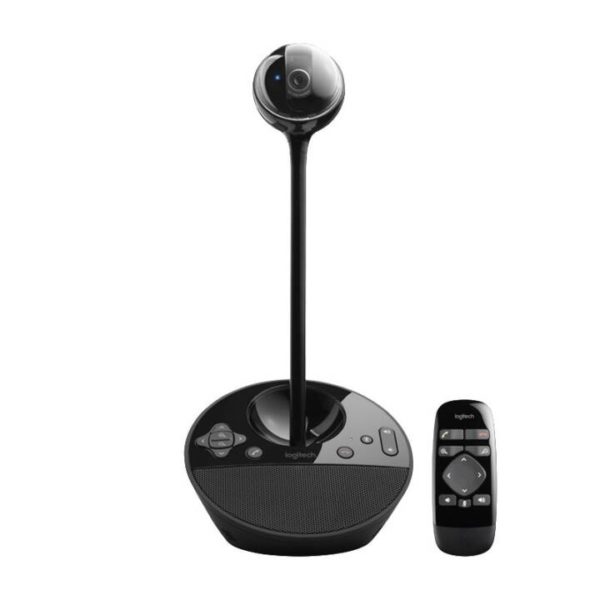
Here is a short introductory video of this camera:
And now, a camera for individual use: the Brio 4K. I chose this webcam for my personal use because it is compatible with both Windows and Mac.
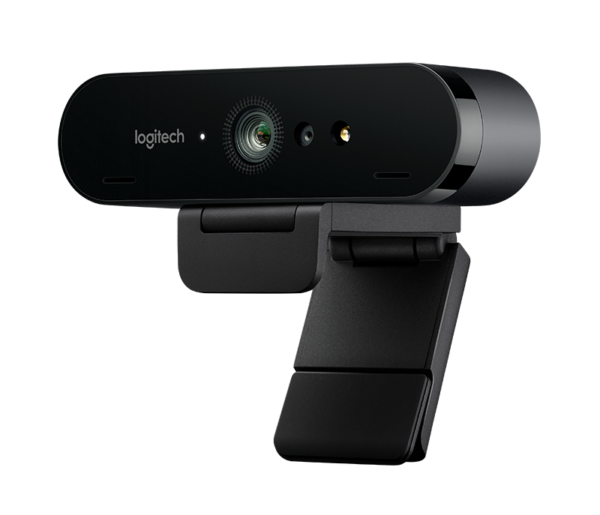
Compact, with remarkable image quality, and compatible with all the video conferencing products on the market. A short presentation… on video!
Of course, any webcam can do the job, but for quality reasons I chose this webcam (yes, it is pricey: over 200 CHF). You can buy it online on the Logitech website.
Now that we have talked about hardware, let’s talk about software solutions! If we set aside Skype, Microsoft Teams or Zoom (covered in a previous article), there are a myriad of easy-to-use solutions available on every operating system. Among these solutions, here are a few examples:
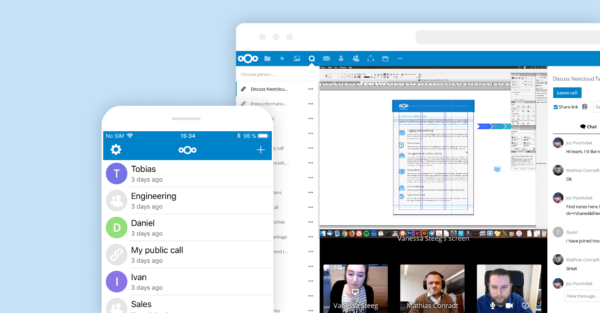
A cloud-based solution that can also be installed on a machine, it brings together various features. A short introductory video:
As you can see, this solution offers an interface very similar to the one offered by Microsoft Teams. The big difference is that you can host this solution on your own network, completely free of charge (yes, you read that right).
Join.me

Allowing up to 250 participants online, this solution is disarmingly simple. You can use just a web browser or the mobile apps (iOS or Android), and setting up a meeting is easy. This solution is based on a SaaS offering. A short introductory video:
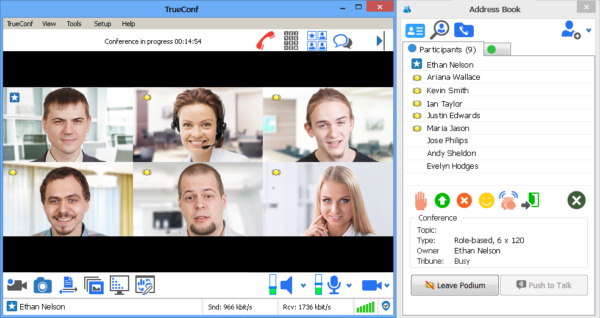
This solution needs to be installed on a Windows server before it can be rolled out to several computers. A WebRTC interface is available. However, the solution requires solid networking knowledge to set up, as well as systems skills. It is nonetheless comprehensive.
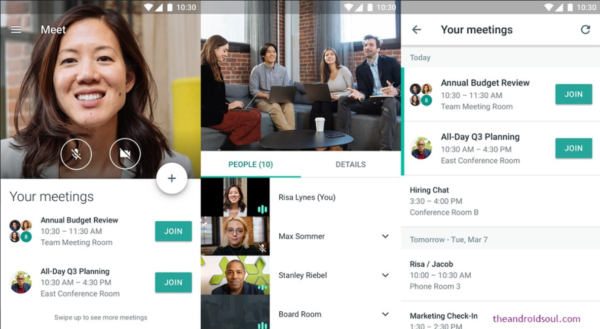
Google also offers a video conferencing solution, with the ability to hold online meetings via a browser such as Chrome or through mobile apps (iOS or Android). Introduction with this video:
As you can imagine, in the vast majority of cases it is difficult, if not impossible, to really know which channels our conference streams pass through or who hosts the recorded meeting data. Depending on the profession, this can turn out to be a real problem or a complete barrier to adopting video conferencing solutions—whether it is a Cloud solution (Software as a Service) or a solution hosted in your own Datacenter.
Now we are going to present a solution that is 100% hosted and managed in Switzerland: the free-solutions platform. Based in Saint-Imier, Mr Claude Stabile offers services built on Open Source technologies (Jitsi and OpenFire). Video conferencing, chat and a collaborative environment: the various solutions on offer can be used on any OS. To tell you more about it, here is a video interview, with a demo:
Here we have a video conferencing solution coupled with a complete collaborative platform, with chat, file exchange, screen sharing, etc. For those who want to use the video conferencing solution on iOS, the Jitsi Mobile app lets you connect to the free-solutions servers. Also worth remembering is how easy it is to use. To connect, you simply click on a link (which can be sent by email, SMS or other means) to join the conference. No account creation or app installation: a simple web browser will do.
In short… time to connect!
The solutions or platforms available offer almost the same thing in terms of functionality (with prices that vary depending on the provider). What will make the difference is the time, energy and financial resources you are willing to invest to get a reliable video conferencing solution. Being able to use any device or operating system is becoming an essential requirement. The biggest obstacle users can sometimes face remains the interface or the way a video conference is set up. The most experienced will say it takes 2 clicks, but for ordinary users it remains an ordeal, not only to understand which would be the best choice but also how to use it properly.