IT & AIArtificial intelligence
AI at home: take back control of your data
· Michel Aguilera
Read: 8 min · For the curious, beginners and digital tinkerers
When you ask a question to an online AI assistant, your text goes to a company’s servers, somewhere in the world. Convenient, but you don’t always know what happens to it. What if AI was running at home, on your computer or on a small server in your office? This is called local AI. The good news is that it’s much more accessible than you might think.
Why everyone is talking about keeping control of their data
Imagine that you entrust your documents to an external secretariat. It does a very good job, but your files leave your office. With online AI, it’s a bit the same: your questions, files, and ideas go through a provider’s servers.
More and more people and companies want to know precisely what AI sees and uses. Two approaches address this need:
- On-premise : The AI runs entirely on your hardware. Nothing comes out.
- Hybrid : Simple or sensitive tasks stay on your machine, and only very heavy tasks go to the cloud (the big online servers).
The hybrid approach is a bit like cooking at home on a daily basis and going to a restaurant for special occasions. For many, this is the preferred option.
Microsoft is also betting on “hybrid intelligence”
I’m not the only one who thinks so. On October 7, 2026, Microsoft presented its vision of a Windows built for “hybrid intelligence”. In his post, Pavan Davuluri, head of Windows, explains that AI agents will be able to run locally when relevant and use the cloud when necessary, thanks to automatic task routing.
What you need to remember:
- Copilot on Windows will, with your permission, be able to use the context of your PC (your files, your recent activity), act for you, and rely on locally installed AI models. These features are expected to arrive in the coming months.
- Microsoft Execution Containers (MXC) are available now on Windows 11. These are a kind of “sandboxes” that define which files and networks an AI agent is allowed to access.
- New PCs designed to run AI locally are coming, such as the Surface Laptop Ultra with an NVIDIA RTX Spark chip.
In other words, even the Redmond giant admits that sending everything to the cloud is not always the best idea. Microsoft’s official presentation:
To go further, two videos (in English) from creators who dissect these announcements:
Source: Building Windows for hybrid intelligence, Windows Experience Blog
Simple Start: Ollama and Open WebUI
You don’t need to be a computer scientist to try AI locally. Two free tools do most of the work:
- Ollama : it’s the “engine”. It downloads and runs AI models (they are called LLMs, for large language models : programs trained to understand and write text). One command, and the model is ready.
- Open WebUI : this is the “bodywork”. A web interface that looks like ChatGPT, but that talks to the models installed in your home.
The engine and the body, in short: one does the job, the other makes it pleasant to use. And if you also want to create images, Stable Diffusion is an easy addition to the duo.
I made a video in French where I show you step by step the installation and discovery of these tools:
Customize: NAS for RAG and data connectors
An AI model is a bit like a brilliant intern who has read the entire Internet… but not your files. It does not know your contracts, your internal procedures, or your notes. This is where the RAG comes in.
The RAG, explained simply
RAG stands for Retrieval-Augmented Generation. In concrete terms: before answering, the AI looks for useful passages in your own documents, then uses them to formulate its answer. It’s like an intern who, before answering you, goes to consult the right binder in the cabinet.
To make this search quick, your documents are cut into small pieces and stored in a vector database : a kind of intelligent index that finds texts by meaning, and not just by exact words.
Why a NAS?
A NAS (Network Attached Storage) is a small storage box plugged into your network, a kind of shared hard drive for the whole home or office. Many people already store their documents there. So it’s the ideal cabinet for RAG: your files stay at home, and the AI comes to view them on the spot. Open WebUI, for example, allows you to create knowledge bases from your documents.
Data connectors
A connector is a “pipe” that connects the AI to a source of information: a NAS file, a database, an email account, a calendar, etc. Tools such as n8n (an automation software where blocks are assembled, without coding) allow you to create these pipes. For example: “every time a new PDF arrives in such and such a folder, add it to the AI’s knowledge base”. You choose which sources are plugged in, and therefore what the AI is allowed to see.
All-in-one, subscription-free open source projects
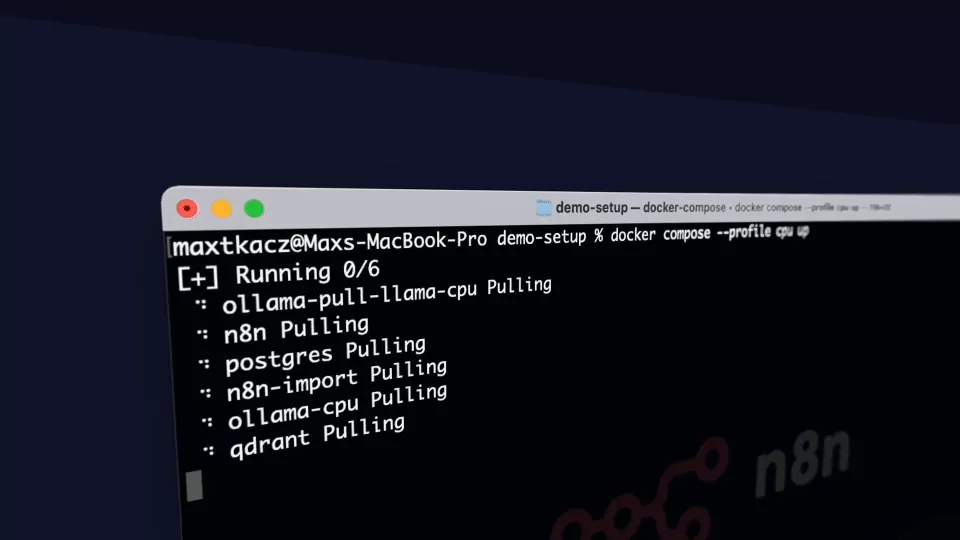
Assembling each brick yourself can seem daunting. Luckily, the open source community (software with public and free code) offers ready-to-use packages. A good example: Local AI Packaged, by Cole Medin.
This project installs a whole local AI environment at once, thanks to Docker (a tool that runs each software in its own “box”, without mixing everything up on your computer). On the menu, according to its README:
- Ollama to run AI models;
- Open WebUI to chat with them;
- n8n for automations and connectors (over 400 integrations);
- Supabase for database, vector search, and authentication;
- Qdrant and Neo4j to store and link knowledge;
- Flowise to build agents without coding;
- SearXNG, a web search engine that doesn’t track you;
- Langfuse to observe what agents are doing, and Caddy to secure access over HTTPS.
Examples of ready-to-import RAG feeds are even provided. Here’s what n8n looks like in action:
All this without paying a subscription: all you need is your hardware… and a little curiosity. Prerequisites indicated: Python, Git and Docker.
The crux of the matter: the equipment
Let’s be honest: local AI means a slightly muscular machine. The key component is the graphics card (GPU) and especially its video memory (VRAM). Think of VRAM as a kitchen countertop: the bigger it is, the more you can prepare big dishes (big models) at the same time.
The figures below are indicative orders of magnitude ; it all depends on the models chosen.
For individual use
- To discover : a recent PC with 16 GB of RAM can run small models, even without a dedicated graphics card. It will be slow, but it works.
- For comfortable use : a graphics card with 8 to 12 GB of VRAM, 32 GB of RAM and an SSD with space (a model often weighs 2 to 10 GB). The “average” models, which are very capable of everyday use, run well there.
- On Mac : Silicon Apple chips share their memory between CPU and graphics, making them surprisingly efficient for local AI.
For shared use (team, SMB)
When several people query the AI at the same time, the needs increase:
- One or more graphics cards with 24 GB of VRAM or more, for more powerful models and multiple concurrent requests.
- 64 GB of RAM or more, and a solid processor;
- Rapid storage (SSD) for models, and a NAS for RAG documents;
- A machine that is permanently on, so electricity, noise and cooling are to be expected.
This is precisely where the hybrid approach comes into its own: everyday life locally, exceptional tasks in the cloud.
To end on a high note: an AI that fits on a USB stick
Want to play? Portable Local Studio is a “portable” AI studio for Windows, Linux, and macOS. Everything it needs is stored in a single folder, which you can copy to a USB stick and take anywhere. No installation on the computer, no internet connection, no API key.
On the program, in a simple graphical interface:
- Discuss with text templates (in GGUF format, via llama.cpp);
- generate images with Stable Diffusion;
- dictate aloud (Whisper speech recognition);
- listen to the answers read by a natural voice (Kokoro).
The application detects your graphics card (NVIDIA, AMD, Intel or Applechip) to speed up calculations, and displays live CPU, memory and graphics card usage. Without a graphics card, it also works, just slower. The video demonstration:
In conclusion
Local AI is no longer reserved for experts. With Ollama and Open WebUI, you can get started in one evening. With a NAS and a few connectors, you get an assistant that knows your documents without them leaving the house. And with the hybrid, you get the best of both worlds, as Microsoft shows with Windows.
One thing is certain: AI is constantly evolving, almost every week. We will continue to follow all this closely and keep you informed, right here, with the same desire to make the subject simple and accessible. See you soon!