IT & AIRemote work & collaboration
Home Working: my new setup
· Michel Aguilera
I have had to work from home for several months now. The coronavirus has pushed quite a lot of people to rethink their approach to work and the way they need to organise themselves. So here is my brand-new office setup, which I am delighted to share with you.
An office…brand new!
To give you some context, I live in a house with my wife and our 3 children. Originally, one of the rooms was a playroom for the children, but given how long the coronavirus situation has dragged on, I had no choice but to convert this room and turn it into my workspace.
Having only a tiny space at the time of the decision (and one not designed for long hours of remote working), I decided to set up a complete environment so that I could carry on with my professional activities. Working in IT training and consulting, I needed somewhere to put all my office equipment and everything required to deliver my courses.
Thanks to a Geneva-based company called bBalanced (which I would like to thank in passing for their excellent support when getting this project off the ground), I was able to start setting up my new workspace. First of all, I started with the main desk (height-adjustable, with electric adjustment). A short video presenting the product:
As you can see, it lets you work either sitting or standing (to avoid a sedentary lifestyle). The firm also offers various items, such as cable management for your desk, but also USB-C docking stations, bags, monitor stands, etc…
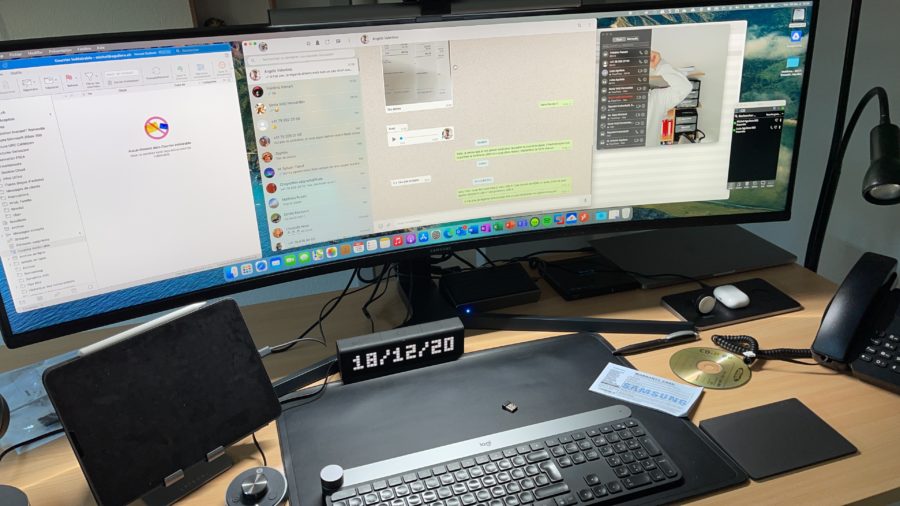
As for my activities, I use software such as Microsoft Teams, Jitsi, etc. For the webcam, I have a Logitech Brio 4K.
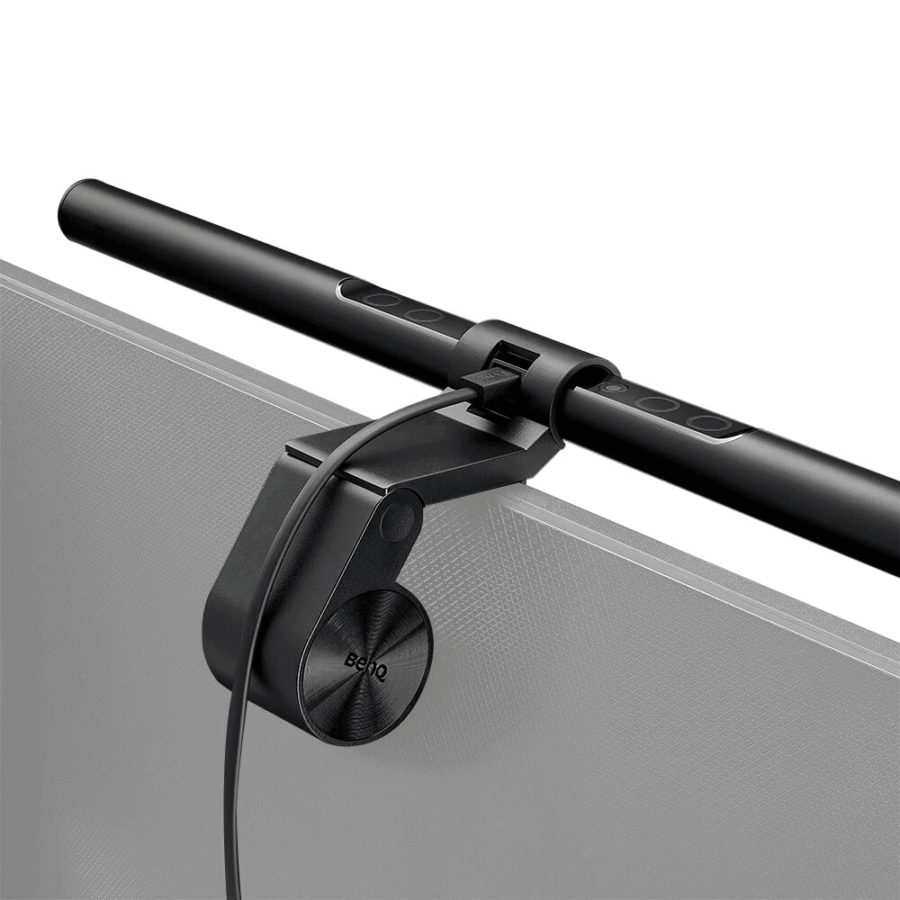
To avoid eye strain, I have added a BenQ light to my monitor, the ScreenBar:
Unboxing and presentation video (in English):
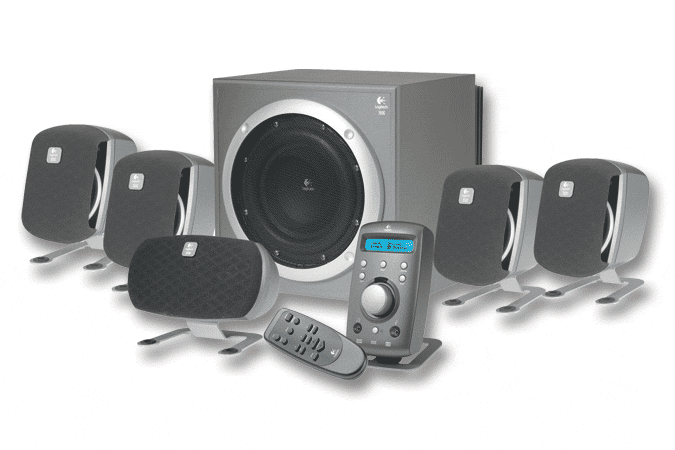
For sound, on my main workspace, I dug out a system that had been sleeping in a cardboard box but has now been given a new lease of life: Logitech’s Z-700 THX 7.1 sound system:
I have another space dedicated to the Microsoft Surface side, with 2 27-inch screens, a Surface Dock 2 station and a Logitech set (Craft keyboard and MX3 mouse). The sound comes from a pair of Bose monitors.
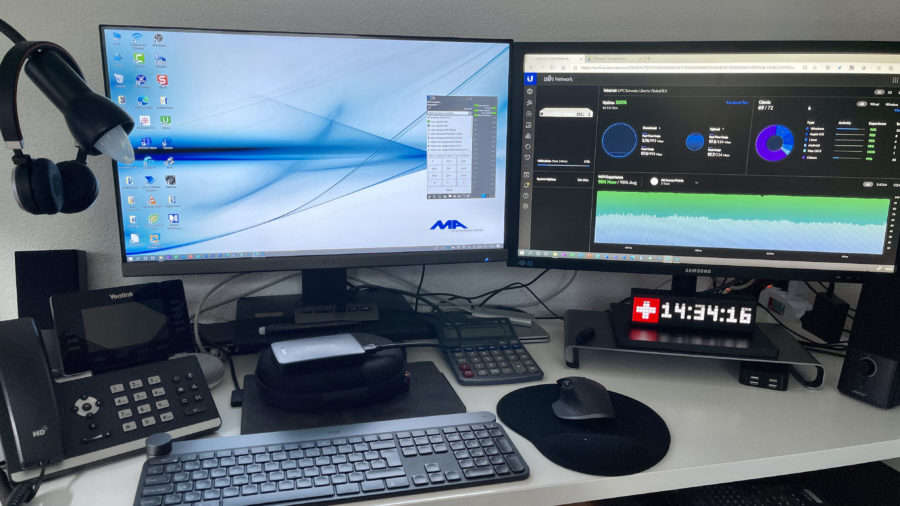
Here is a very well-made video about the keyboard and mouse I use:
I got myself 2 Craft keyboards, to keep separate spaces for my MacBook Pro and my Surface Pro. Each one has its own docking station and screens for each environment.
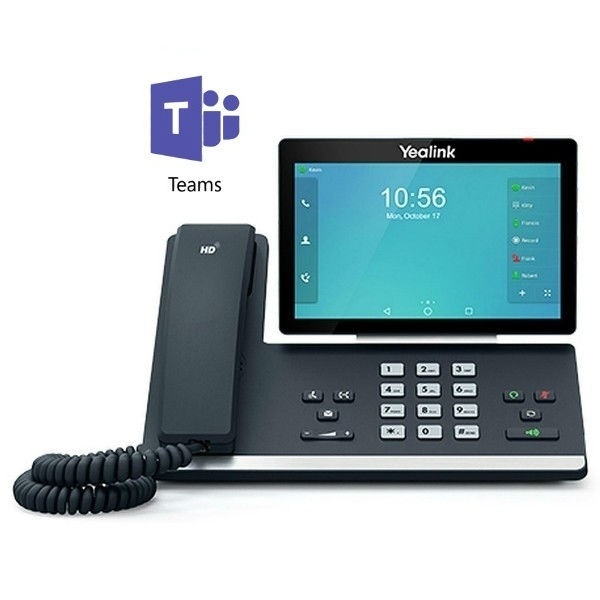
As mentioned, video conferencing is done with various solutions. For telephony, I rely on Yealink devices:
A short presentation video (in English) of the firm:
In short… it’s all there!
I am well aware that this kind of setup for a personal office is a luxury and that few people can afford it. In the current situation, everyone can equip themselves with what they need to be able to work from home. It is important to keep a dedicated space for work, without forgetting to add a touch of fun to it. In short, take care of yourselves and happy Home Working!