IT & AIInfrastructure & networking
IT: discovering Unifi
· Michel Aguilera
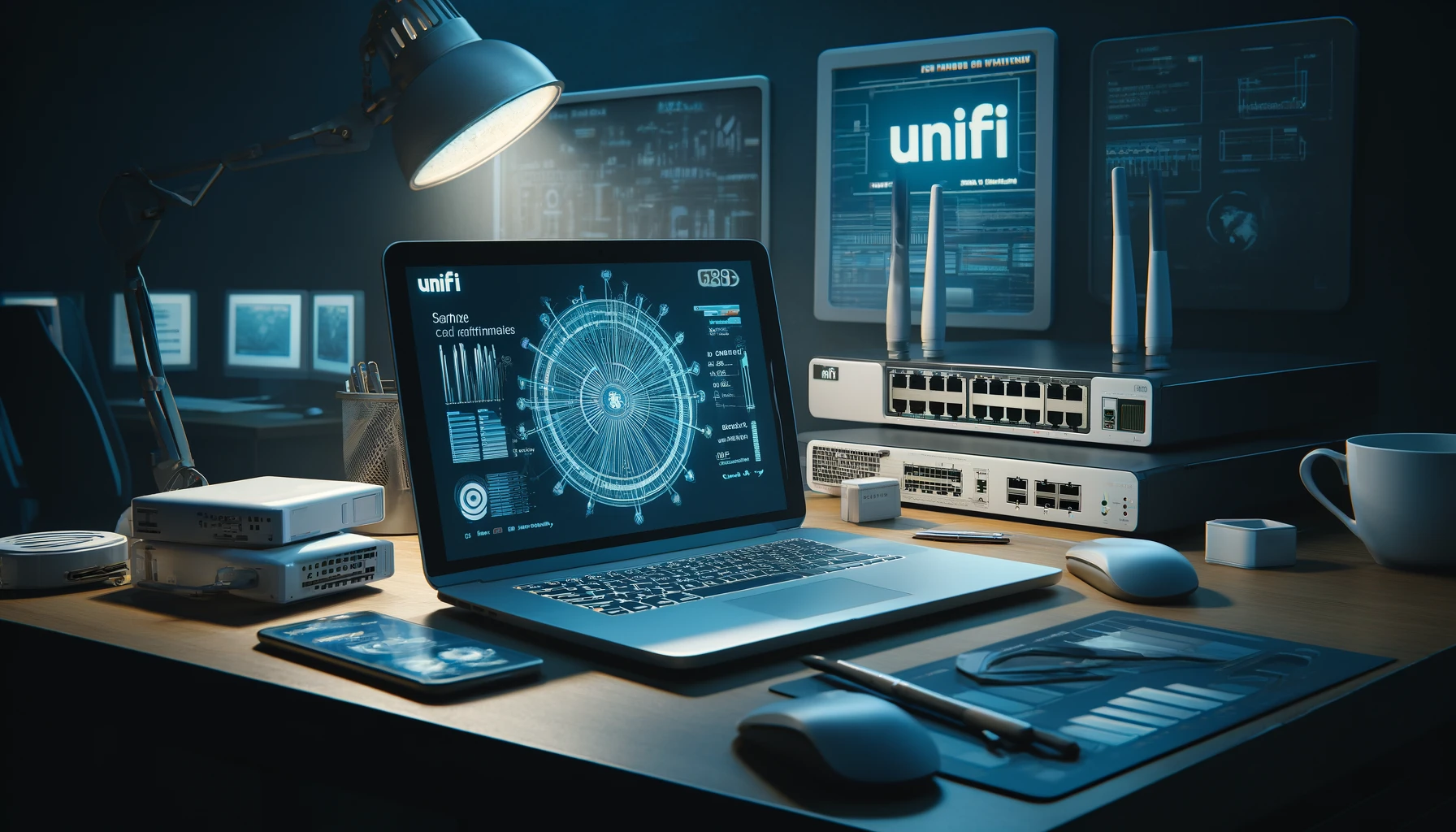
Having tested various network solutions (both for businesses and for the home), I recently ran into stability problems with my Wi-Fi network, which was then based on Apple AirPorts. I decided to clean house and upgrade my whole network radically. That is how I discovered Ubiquiti and its Unifi product line. APs, switches and security gateways: all these products are truly incredibly efficient and simple to set up. A dive into the world of networking with Unifi.
Connected, or not?
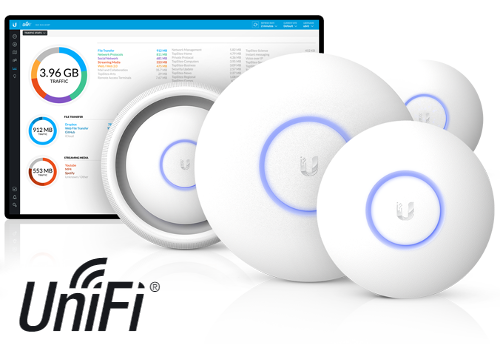
One thing you can say about Unifi products is that there is plenty of choice for all kinds of configurations (professional or private). The concept is to allow centralised control (in the cloud or locally) of your LAN and/or Wi-Fi network. A single interface to manage everything, with all the network services (DNS, DHCP, VPN), but also secure access (RADIUS, IPS/IDS). In my case, I went for 4 access points, a 24-port PoE switch capable of delivering 250W, a security gateway (USG) and a security and management device (Cloud Key). Here are the components in pictures:
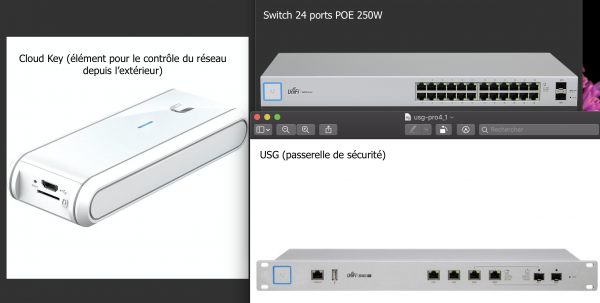
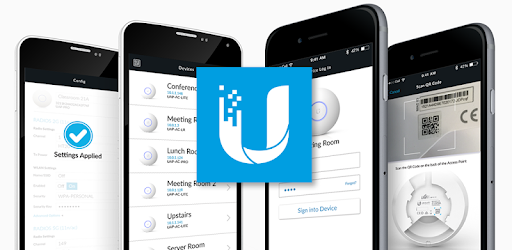
These devices were installed in a small rack, where all the cabling is concentrated. All the APs are powered by the switch via PoE, and thanks to the mobile app or the web administration interface, you can easily define different SSIDs, different networks and even VPN access to your network. The mobile apps are available for iOS and Android.
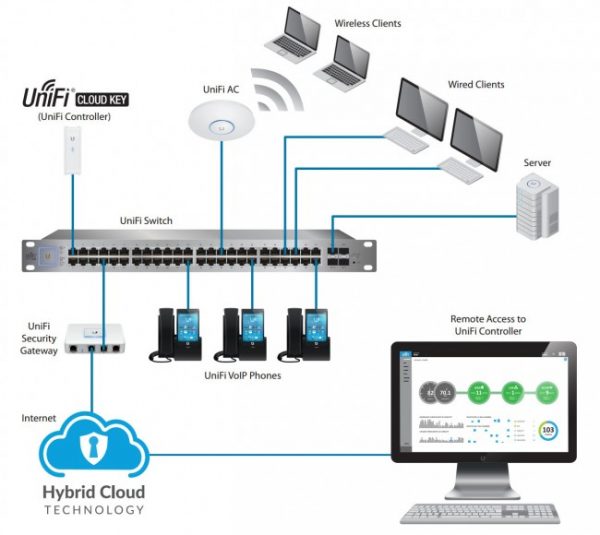
Access from outside is achieved thanks to the Cloud Key module, which is a kind of secure management module, also connected to the switch. The USG (security network gateway) handles the firewall side. Here is an illustration that explains how it works.
Unboxing of the Cloud Key Gen1:
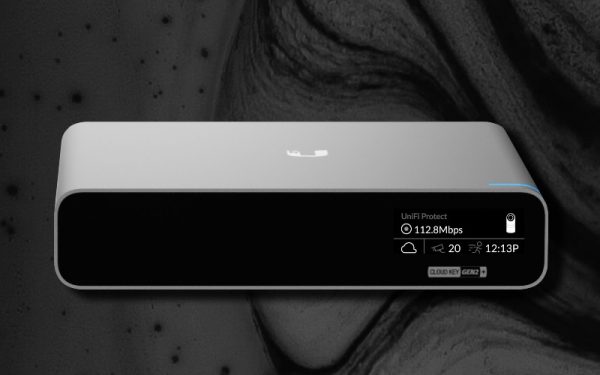
Having also bought Unifi security cameras (yes, they make those too!), I changed my configuration slightly, replacing the Cloud Key Gen1 (model above) with the new Gen2 Plus, which is fitted with a 1 TB drive and can serve as storage for the cameras’ video recordings.
Here is a short unboxing video:
You can replace the drive with an SSD (for performance reasons); the procedure is fairly simple. There is also a kit to rack-mount the Cloud Key Gen2 Plus (in my case, to have everything in the same rack while reducing the space used). On this subject, be careful when fitting the Rackmount Kit: you have to use the front RJ45 port (a small design flaw).
Let’s talk about Wi-Fi. The Unifi system makes it easy to create a network of access points that can meet the expectations of businesses or private users. One of the very big advantages of Unifi solutions is the SDN (Software-Defined Networking) management mode, which, put simply, lets you create and manage networks through the Cloud, without the need for licences or a dedicated machine to carry out the setup operations. You can create as many networks as you like, and very easily. You can manage guest access on the Wi-Fi network, with a very intuitive portal mode.
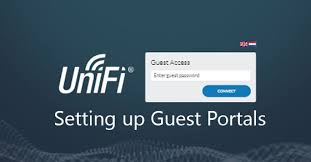
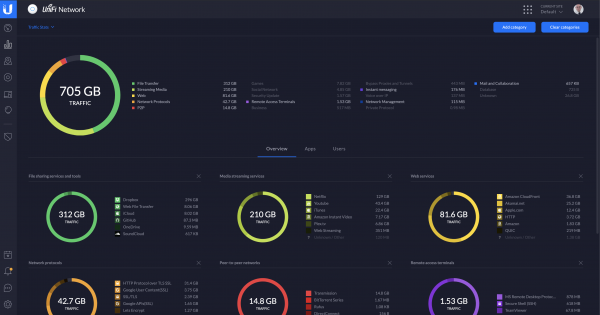
It is worth noting that the web interface is very rich, giving a complete view of all the network services and allowing full administration. Thanks to the Cloud Key, you can administer your network from anywhere, whether with a simple web browser or through the mobile app.

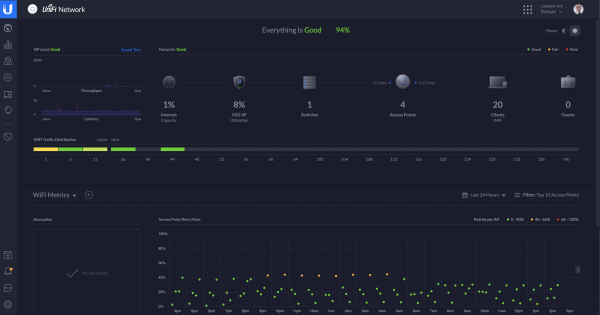
You can even filter by the most frequent network requests, with a calculation of the volume of data that has passed through:
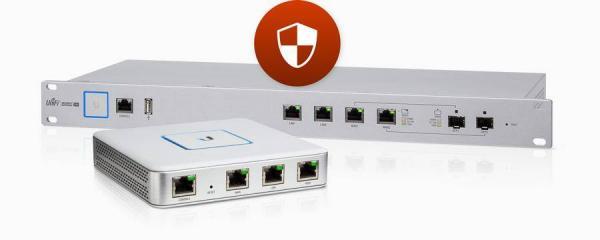
We should also mention the USG – UniFi Security Gateway, which gives you a very powerful firewall system to protect your network and your data (IDS/IPS functions). I added an OpenDNS configuration to improve network protection. For more information on OpenDNS, click here.
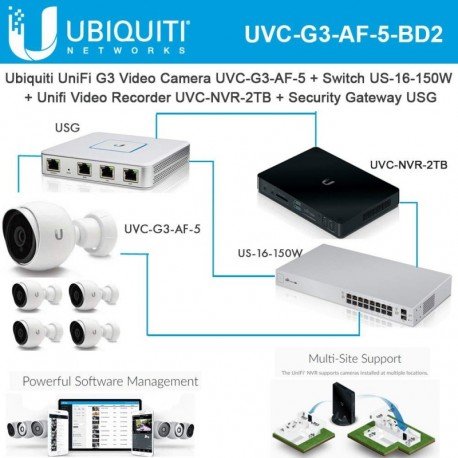
 In addition to overhauling my home network with Unifi, I was also able to deploy Unifi surveillance cameras, with the advantage of using the Cloud Key Gen2 Plus as an NVR (you can also add your cameras in ONVIF mode in Synology’s Surveillance Station).
In short… is this a good network solution?
My answer to this question is definitely YES! Another advantage (and one of the most notable) is that, compared with the competition (notably Cisco Meraki), Ubiquiti Unifi is considerably cheaper. I would like to thank Stevil Electronique for their sales support and my friend Jorge for his help with the configuration.